Every vehicle in your fleet is already collecting data about its own health and performance. Most fleets just never see it. The On-Board Diagnostics II (OBD-II) port is where that data lives, and tapping into it is one of the fastest ways to catch problems early, reduce fuel waste, and keep vehicles on the road.
Here’s how the OBD-II system works, what it can tell you, and how telematics turns that raw data into decisions.
Think of your vehicle as a complex organism that constantly monitors its own vitals. The Engine Control Unit (ECU) acts as the brain, controlling critical systems like fuel injection, ignition timing, and idle speed. To do that, the ECU collects data from sensors throughout the vehicle (oxygen, coolant temperature, camshaft position, and more) and adjusts on the fly so the vehicle performs as expected.
While it works, the ECU also watches for faults. When it detects one, it stores a Diagnostic Trouble Code (DTC). The OBD system is the standard protocol most light-duty vehicles use to retrieve those codes and other diagnostic information. Plug a device into the OBD port and you can read DTCs the way a doctor reads a chart: emissions issues, mechanical problems, and a stream of live vehicle data.
It wasn’t always this way. Mechanics once relied on experience, intuition, and a fair amount of guesswork. Then came the 70s, which brought us disco, Star Wars, and stricter emission regulations. That last one led to the birth of OBD in the U.S., focused mainly on emissions monitoring. As technology advanced, OBD evolved into OBD-II, which standardized the diagnostic connector (the port under your steering wheel) and the data format across manufacturers. Today it goes far beyond emissions.
One note for mixed fleets: OBD-II is the standard for light- and medium-duty vehicles. Heavy-duty trucks use the J1939 protocol through a JBUS port instead. The telematics principle is the same; the connector and data standard differ.
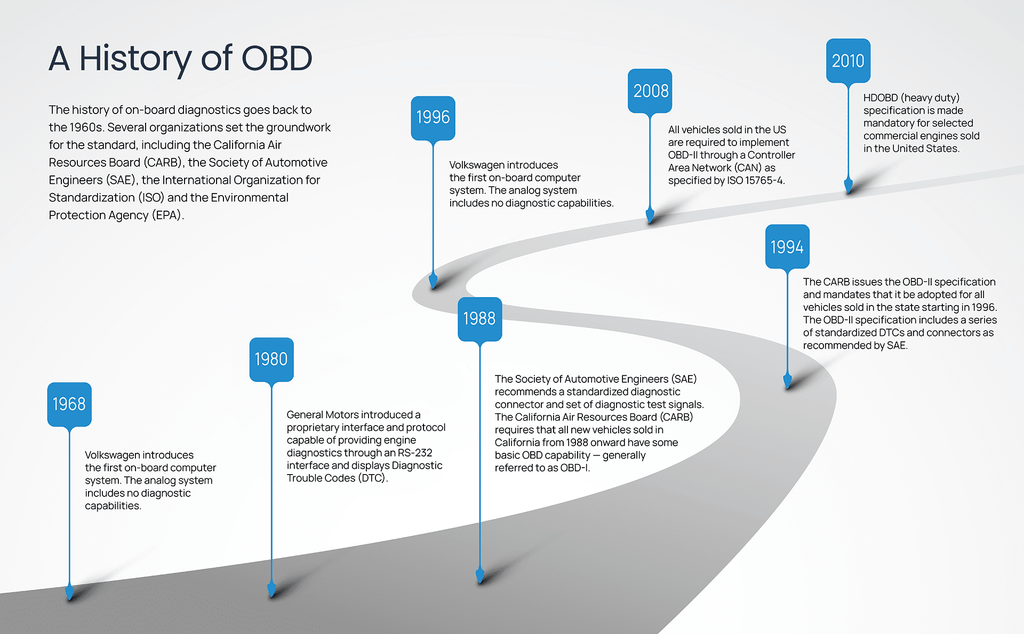
The ECU constantly monitors vehicle components and sensors, from the powertrain to emissions controls, and logs any errors it detects. By capturing those DTCs, fleet managers can address issues before they turn into breakdowns, which means less downtime and simpler emissions compliance.
But DTCs are only part of it. Devices connected through the OBD-II port can read a live feed of the vehicle’s internal workings:
Raw ECU data isn’t useful sitting in the vehicle. Telematics systems act as the interpreter, transmitting that data over cellular networks to a cloud-based fleet management platform where you can actually work with it.
That connection changes how you run a fleet:
Monitoring engine parameters lets you schedule service before small issues become repairs, reducing downtime and repair costs.
Tracking excessive idling, speeding, and harsh acceleration shows you exactly where fuel is being wasted, and driver coaching built on that data produces real savings over time.
DTCs let you assess and troubleshoot vehicle issues without a physical inspection, so problems get resolved faster.
Engine data supports hours-of-service compliance through an ELD like Field Warrior, our FMCSA-registered ELD, and feeds the reports you need for tracking fleet KPIs.
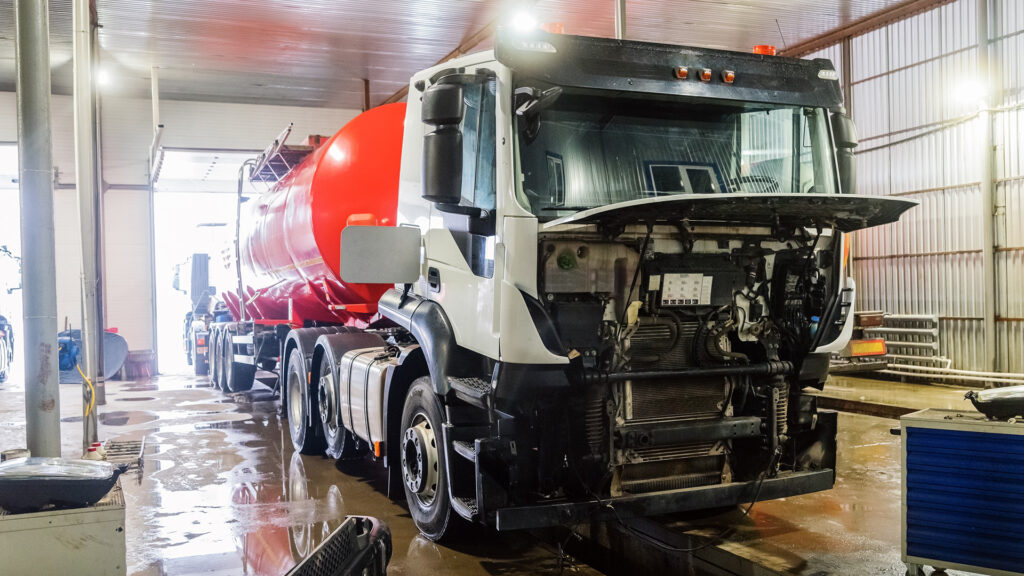
GPS trackers have long used the OBD-II port to access vehicle data. FleetCam Pro goes further, combining AI dash camera video, GPS tracking, and vehicle data capture in a single device. Plugged into a vehicle’s OBD-II or JBUS port, FleetCam Pro reads engine and diagnostic data directly, no separate tracker required.
All of it flows into IntelliHub, FTS’s fleet management platform, where you can monitor your entire fleet from a single dashboard, spot the vehicles and drivers that need attention, and act before problems cost you money.
Your vehicles are already generating the data. The only question is whether you’re using it.
Recent Posts
Categories
Stay in Touch


Ready to make fleet management more manageable?