



IntelliHub
Live map in IntelliHub
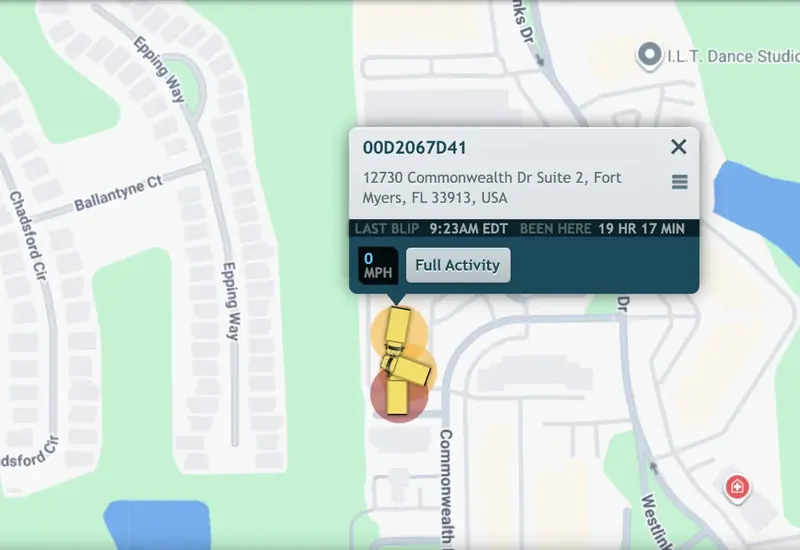
Trailers and equipment show up next to your trucks, and each truck shows its speed and who is driving.
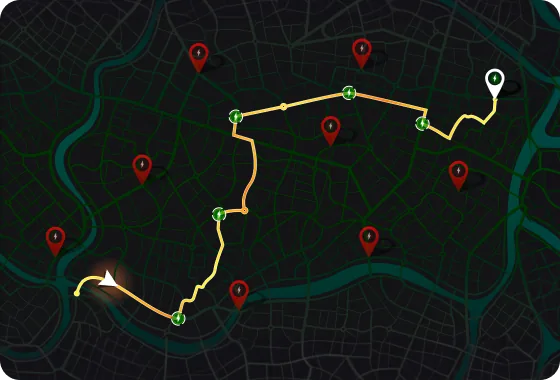



Forward Thinking Systems (FTS) trackers and cameras run on the T-Mobile network. You see your trucks and trailers on a live map in IntelliHub, and when a FleetCam dash cam warns a driver about risky driving, you get the video with the alert.
Book a demoA fleet specialist will follow up to talk through what your fleet needs.
Platform
IntelliHub shows each vehicle on a live map, with its video and reports a click away. FleetCam warns drivers about risky driving while it is happening, and DriveShield coaches them automatically on their own events. Drivers clock in and get their jobs in the Field Warrior app on a phone or tablet.
If you want the data in your own software, we stream it out in real time over Apache Kafka, and your artificial intelligence (AI) tools can work with it through Model Context Protocol (MCP) connections.




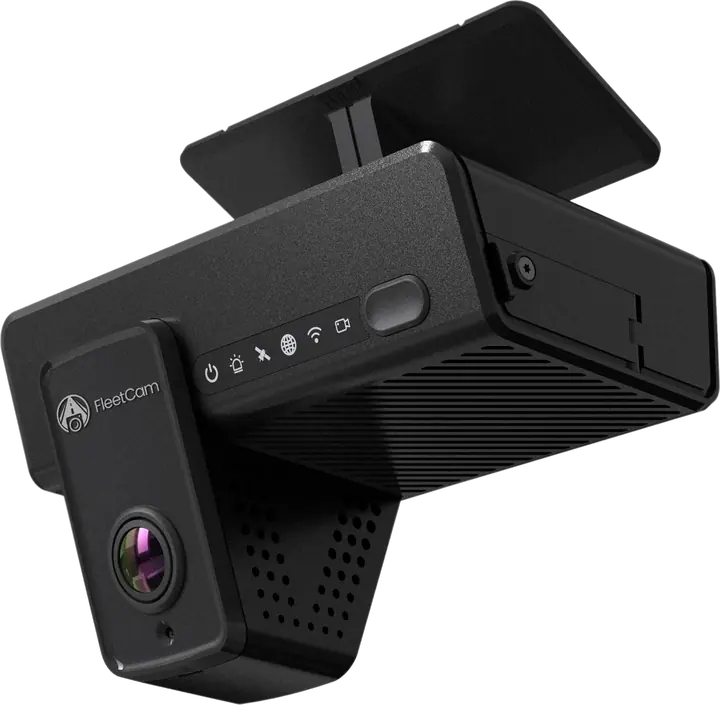
FleetCam video telematics
FleetCam's AI warns drivers in the cab about tailgating, lane departure, distraction, and pedestrians. The AI runs on the road-facing and driver-facing cameras, and each alert comes with the video, so the driver can see what happened and DriveShield can assign coaching on its own.
Pick the setup that fits your vehicles, from one road-facing camera up to six camera views on FleetCam Pro with the Pro Hub. You can watch live, or wake a parked camera and pull past footage without starting the engine.
A road-facing and a driver-facing camera in one unit. The road camera warns the driver about tailgating, lane departure, and pedestrians, and the driver camera warns about distraction. Privacy mode turns off the driver-facing camera and audio, and both turn back on automatically when the vehicle starts moving.
FleetCam Essential warns a driver who is following too closely. The driver-facing view is in the corner.
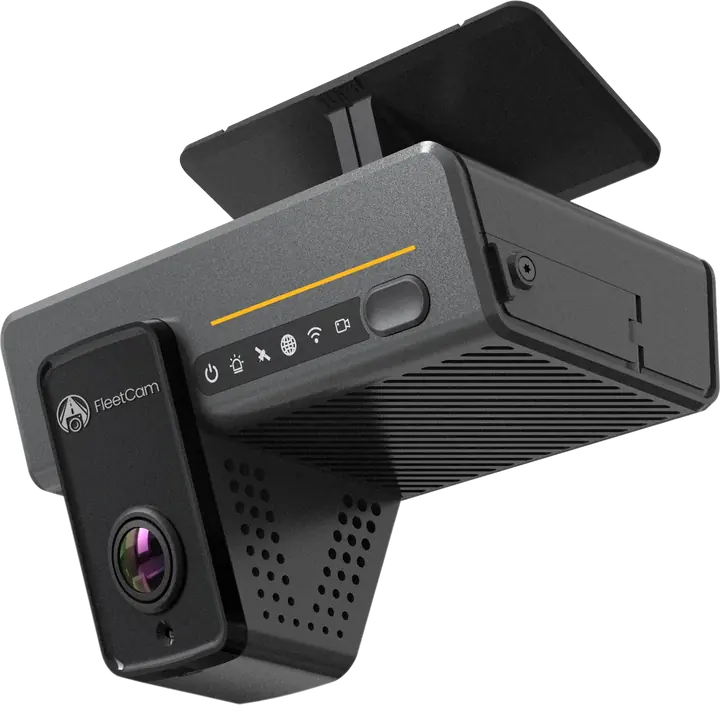
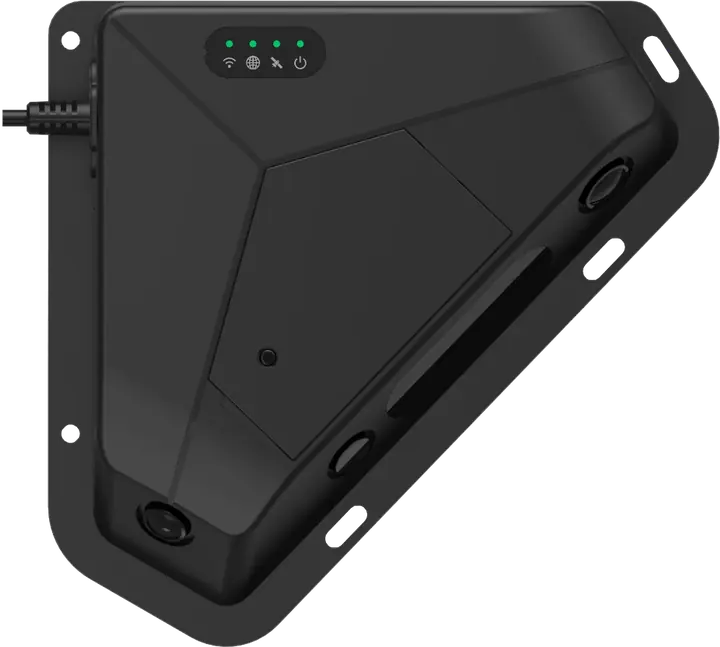
FleetCam Pro gives drivers the same AI warnings as Essential, including pedestrian warnings, with a wider road-facing view. On its own it takes two more cameras, such as side or rear, and with the Pro Hub it runs up to six camera views. If you have a unique use case that needs more than six, contact us.
FleetCam Pro footage with several camera views on one screen.
The AI shows how full the cargo area is as a percentage, and an alert goes off if the vehicle starts moving with the cargo door open.
The cargo area as the FleetCam Cargo Camera sees it.
These cameras connect to FleetCam Pro. Side cameras cover blind spots on turns and lane changes, and a rear camera helps with backing up. A dome camera shows the inside of the vehicle. Where a cable is hard to run, use a wireless camera.
Interior camera view of the cargo area in an empty work van.
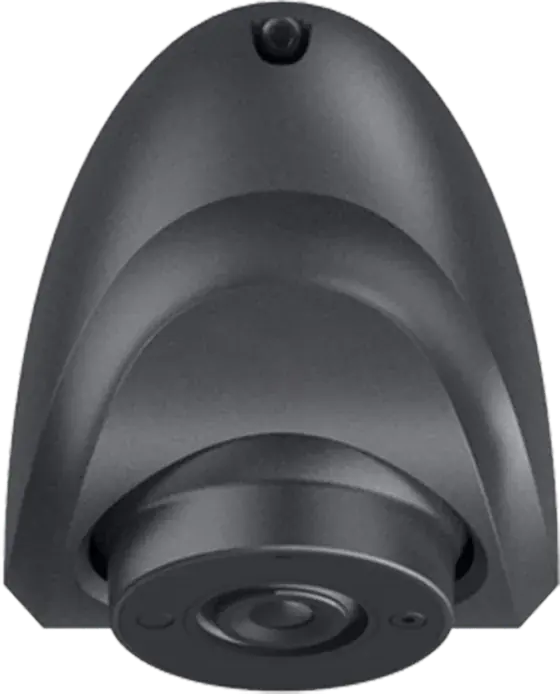
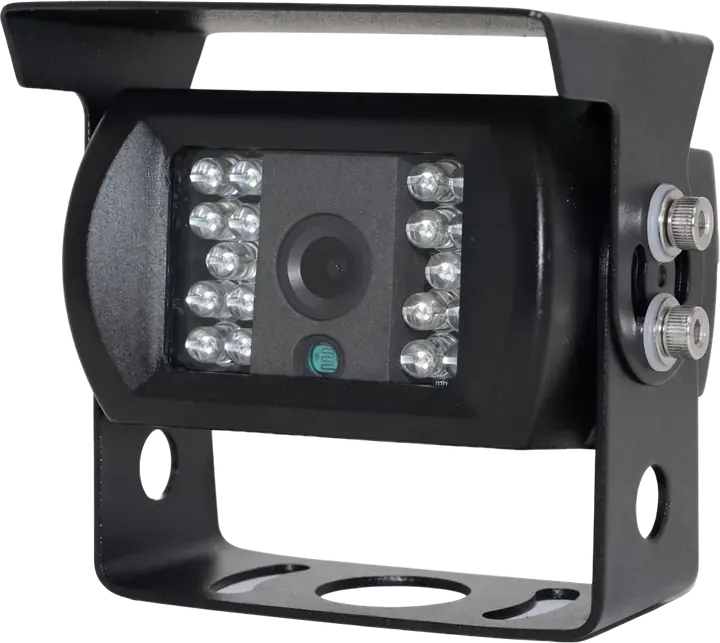
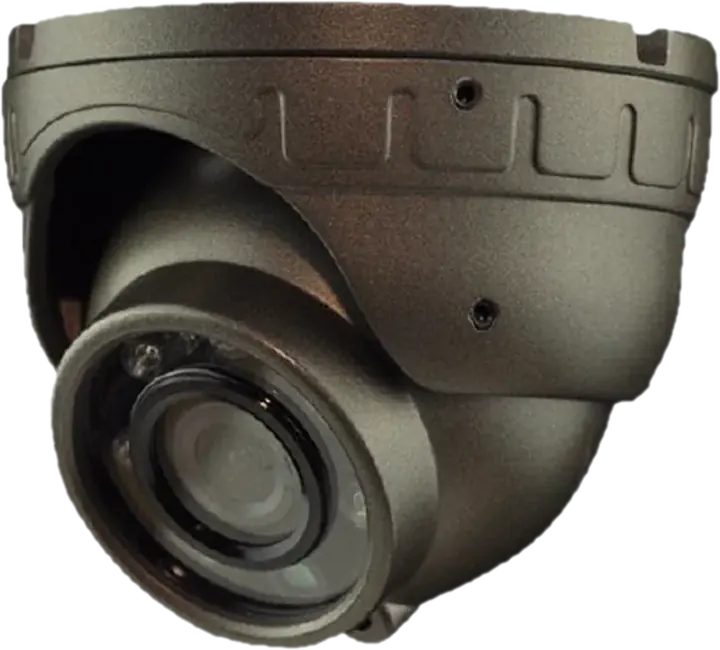
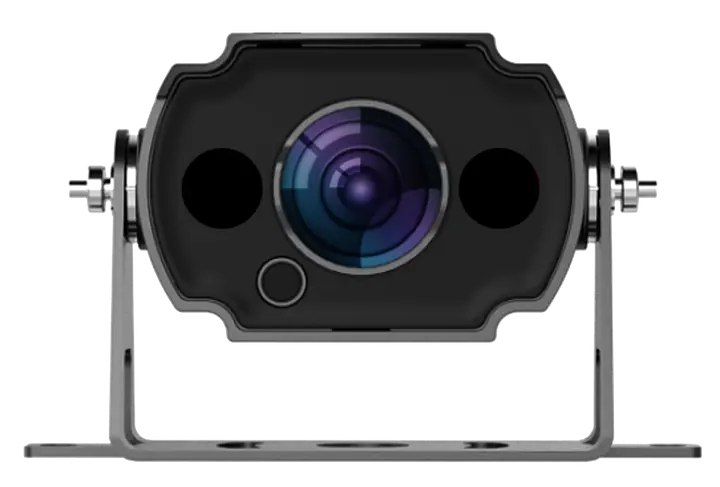
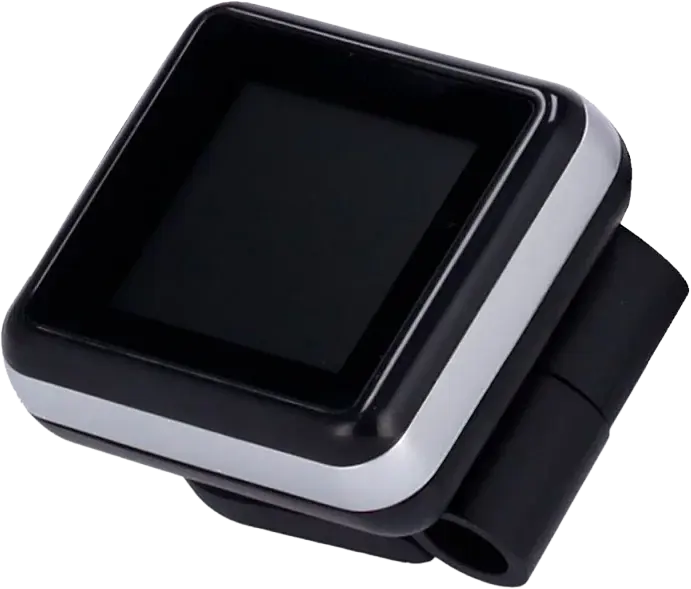
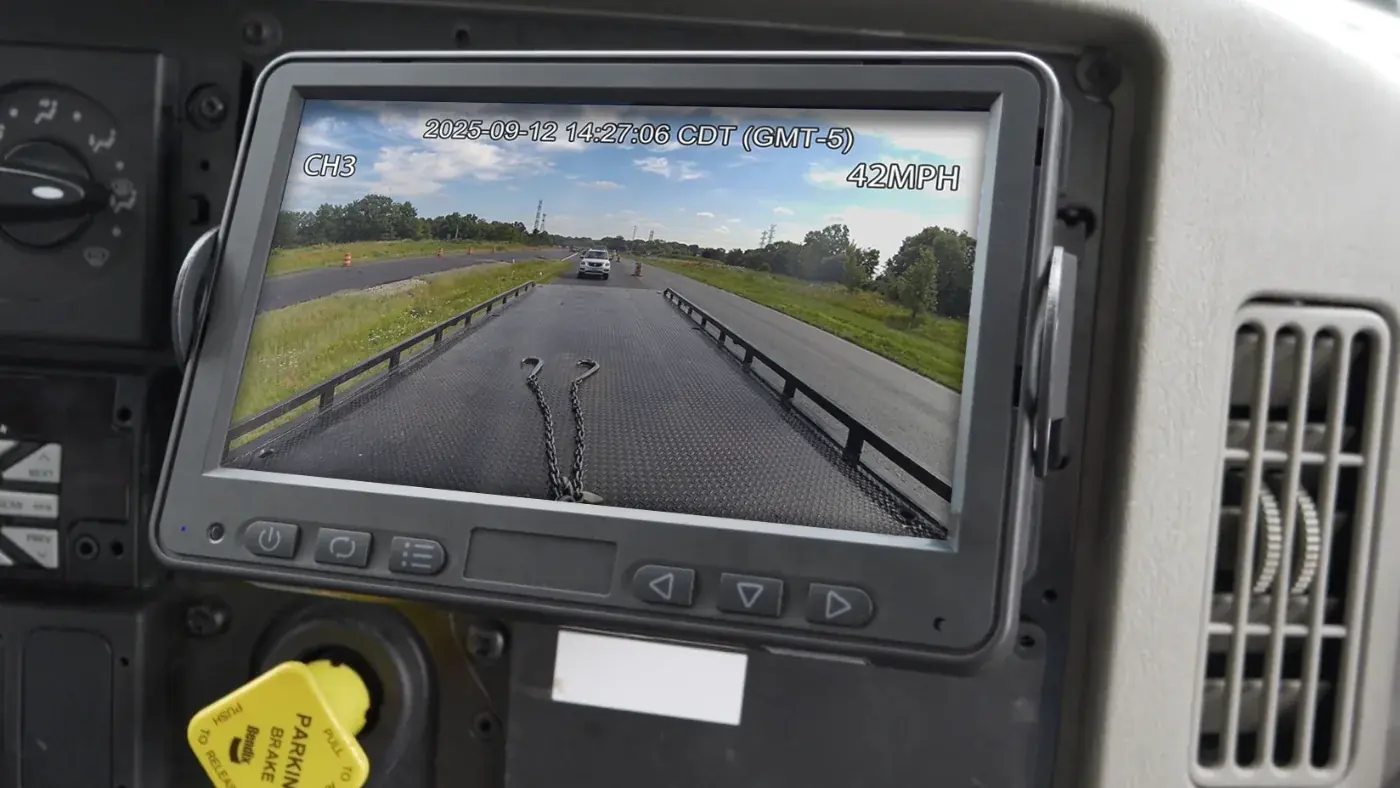
The in-cab screen (the LCD) gives the driver a live view from the side and rear cameras for backing and lane changes. When the AI catches unsafe driving, the V-Display lights up and sounds an alert so the driver can correct it on the spot.
See where your vehicles are right now, and where they have been.
IntelliHub shows where each vehicle is and how fast it is going, with your trailers and equipment on the same map. You can replay past trips on the breadcrumb trail and send customers a live tracking link, so they know when to expect the truck. You also get an alert when a truck idles too long, runs after hours, or arrives at or leaves a place you have marked on the map.
IntelliHub
Trailers and equipment show up next to your trucks, and each truck shows its speed and who is driving.
IntelliHub
The tracker plugs into the onboard diagnostics (OBD-II) port on cars, pickups, and vans, or the JBUS port on heavy trucks. You see where each one is and get an alert when a check engine light comes on.
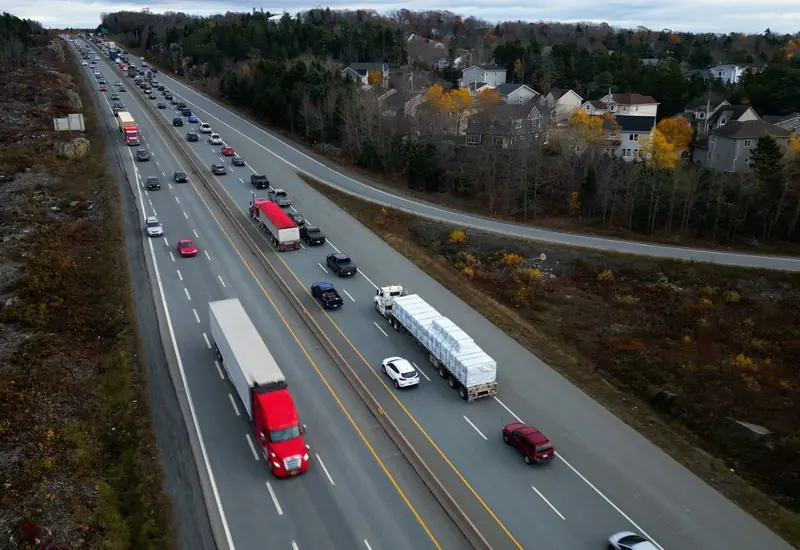
IntelliHub
Know where your trailers and generators are, even ones with no power of their own. Trackers run on battery or solar power, or get wired in.
IntelliHub
Put a small Bluetooth® Low Energy (BLE) beacon on your tools and equipment. If something is missing from the truck or left at the job site, Field Warrior tells the driver. Neron™ beacons also report temperature and humidity.
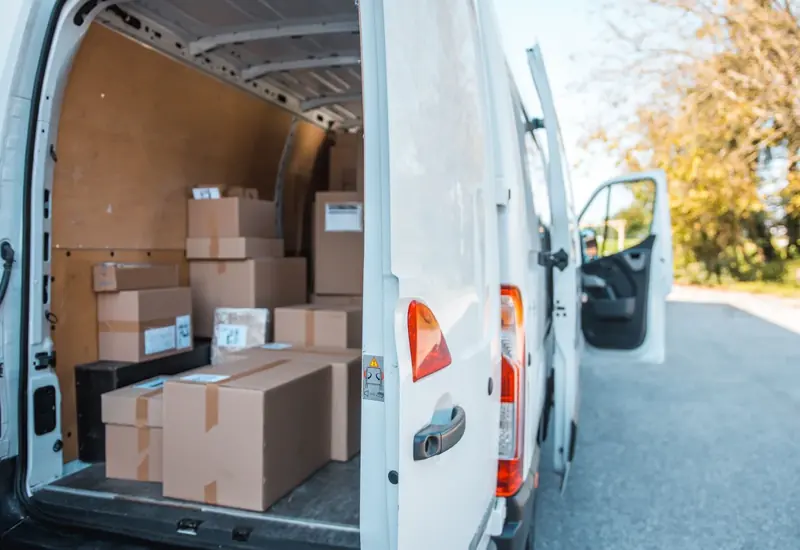
Field Warrior is the app your drivers and field crews work from through the day.
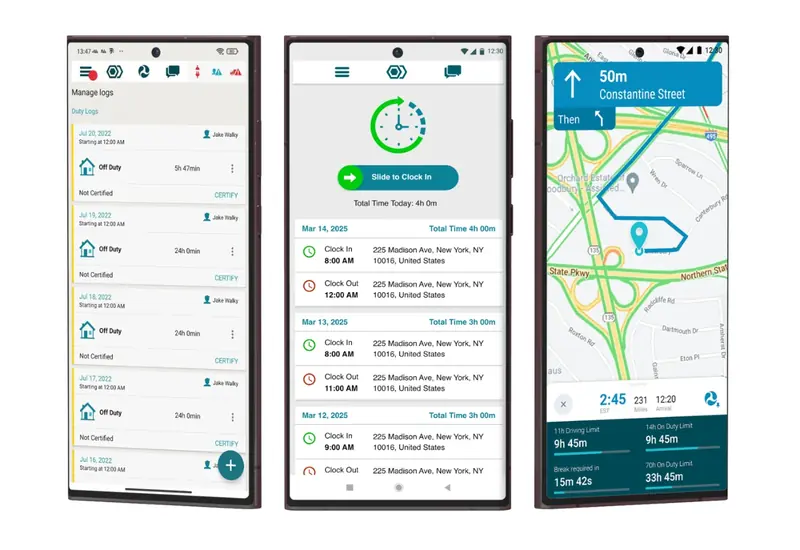
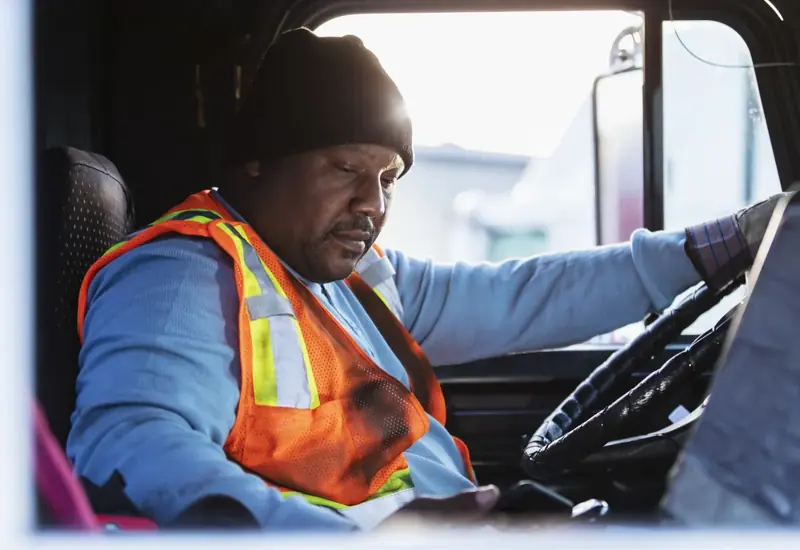
Drivers clock in, get jobs from dispatch, run inspections, fill out forms, and message the office in Field Warrior. On Android, it is also an electronic logging device (ELD) registered with the Federal Motor Carrier Safety Administration (FMCSA).
Field Warrior
Field Warrior has an app for Android and for iOS. The ELD runs on Android only.
Field Warrior
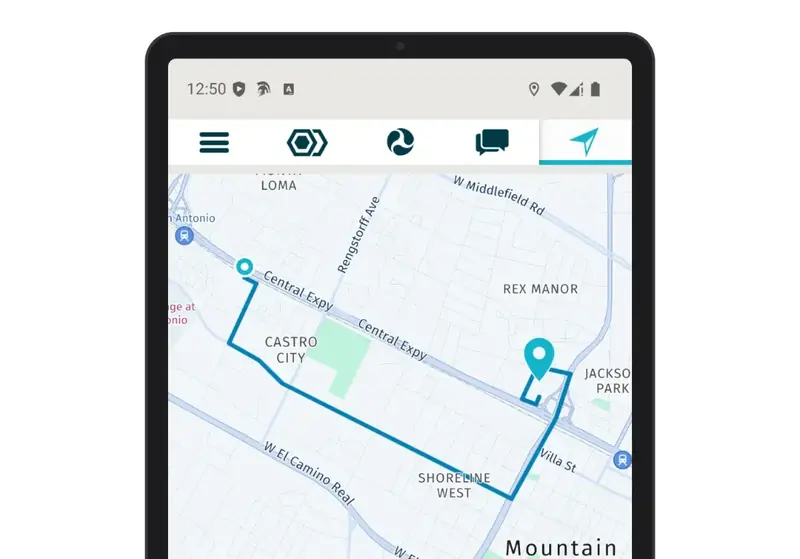
Turn-by-turn directions built for commercial vehicles, from vans to tractor-trailers, with remaining hours of service (HOS) on screen.
Field Warrior
Duty status switches to Driving on its own when the truck moves, and drivers sign off their logs at the end of the day. The ELD works with an FTS vehicle tracker or FleetCam.
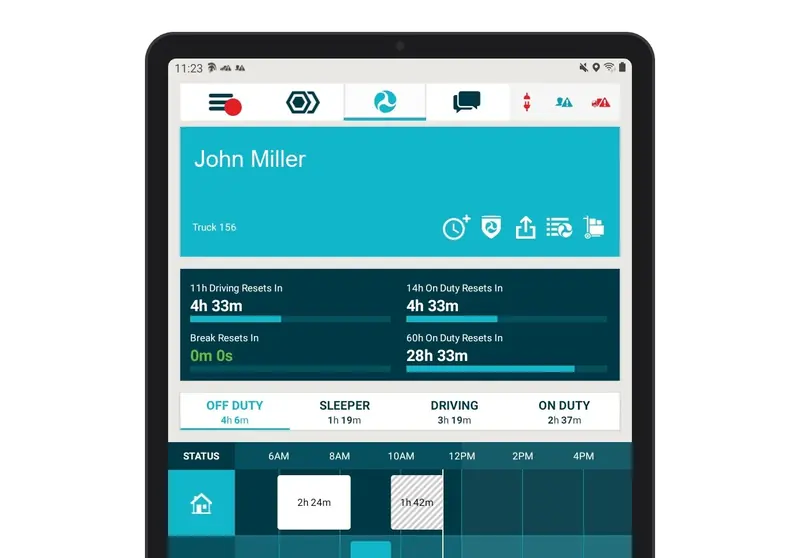
Field Warrior
Drivers fill out pre-trip and post-trip driver vehicle inspection reports (DVIRs) in Field Warrior, with photos and notes on any defects.
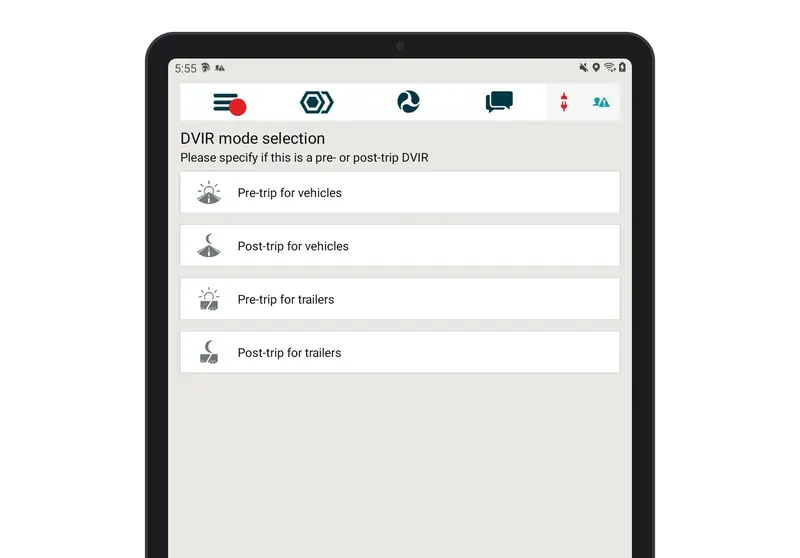
Coaching happens automatically.
DriveShield sends drivers their event video and daily score, and assigns coaching courses on its own based on driving behavior. Managers and safety staff step in only when the automated coaching is not working, such as when the same behavior keeps repeating.
DriveShield
Each driver sees their events and daily score in the DriveShield app.
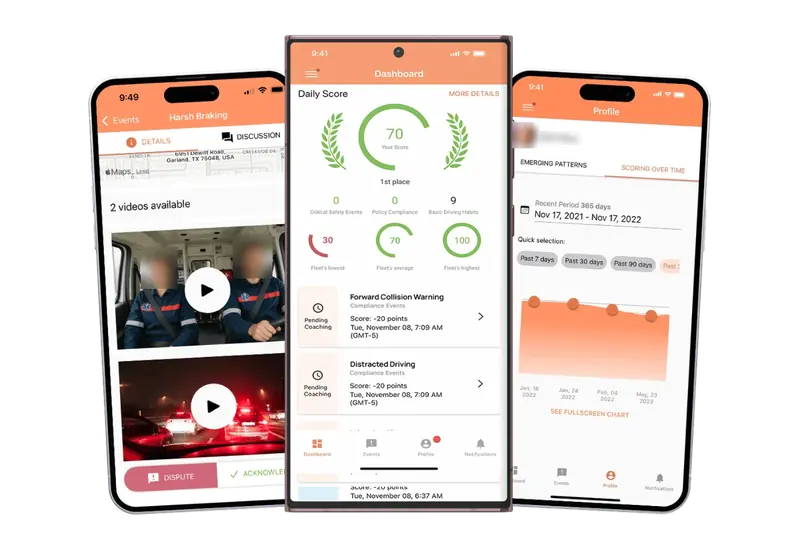
DriveShield
Drivers watch the clip and see what triggered the alert.
DriveShield
Drivers can flag an event that shouldn't count against them, like a hard stop for a dog in the road. The video shows why it happened, so the score stays fair.

DriveShield
DriveShield assigns coaching courses automatically based on each driver's behavior, from its built-in library.

Multi-stop routing with the Route Matrix add-on.
Route Matrix is an optional add-on for fleets that run multi-stop routes. It puts the stops in order and sends the route to the driver's Field Warrior app.
IntelliHub
See when drivers get to a yard, job site, or customer location, when they leave, and how long they stayed.
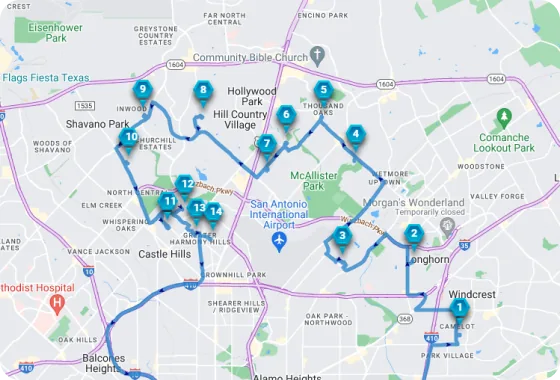
Route Matrix
Route Matrix plans stops in a sensible order to cut drive time, and you can still change it.
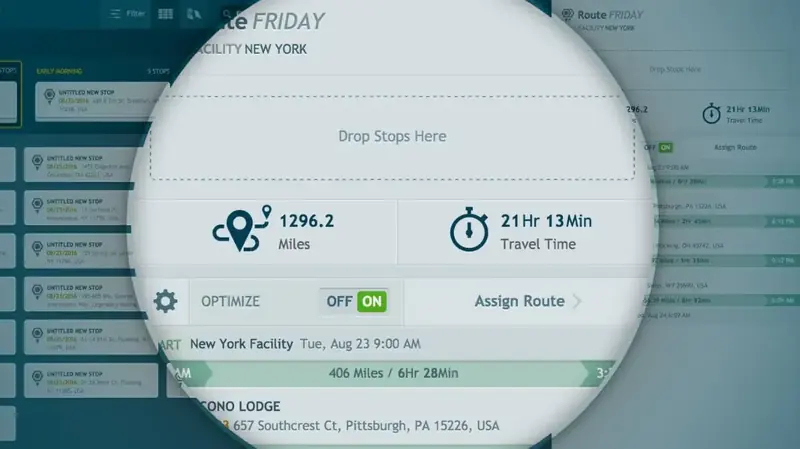
Route Matrix
When plans change, drag a stop to a new spot and see the updated route right away.
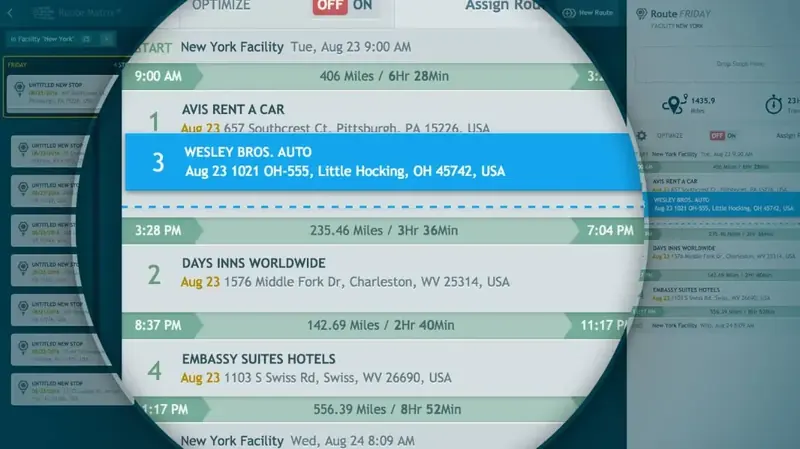
Route Matrix
Drivers get the route in Field Warrior, ready to navigate from their phone or tablet.
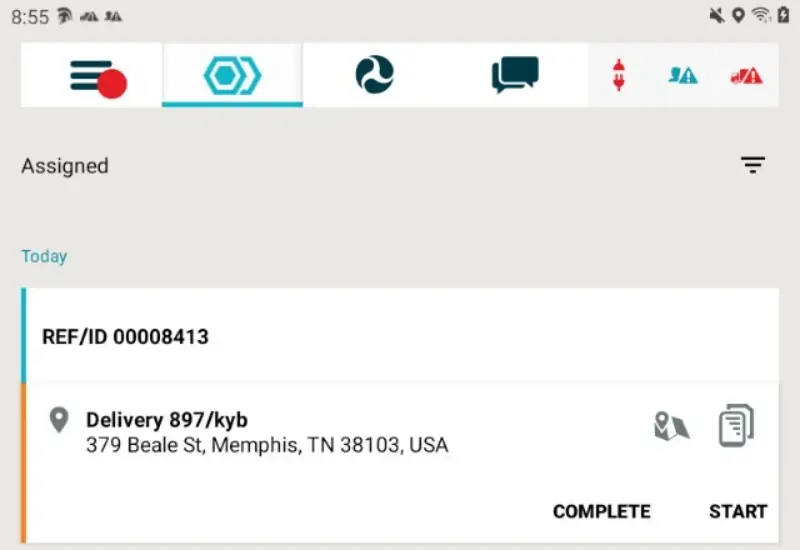
Send the next job to the driver who can take it.
Before you send a job, you can see where each driver is, which stops are done, and how many driving hours they have left. The driver gets the job and its manifest in Field Warrior, with directions built for commercial vehicles.
IntelliHub
Send jobs and track their progress.
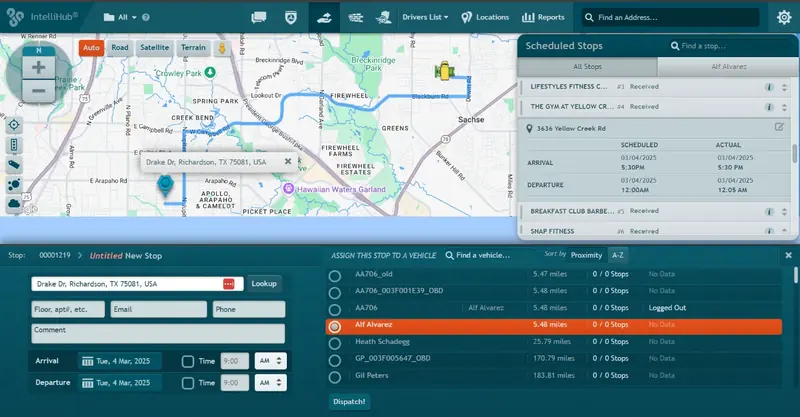
IntelliHub
Find a nearby available driver and send the job.

IntelliHub
See pending and completed stops as the day goes on.

IntelliHub
Check a driver's remaining hours before you add a stop.

Help center
Guides and product sheets are below, and our support team answers the phone 24/7.
Call us 24/7 for setup, hardware, or account questions.
Knowledge base & quick start guides
Find help by product.
 KB
IntelliHub knowledge base (opens in new tab)
Setup, reports, alerts, and account settings.
Browse articles
KB
IntelliHub knowledge base (opens in new tab)
Setup, reports, alerts, and account settings.
Browse articles
 KB
Field Warrior knowledge base (opens in new tab)
Hours of service, inspections, dispatch, and driver app help.
Browse articles
KB
Field Warrior knowledge base (opens in new tab)
Hours of service, inspections, dispatch, and driver app help.
Browse articles
 KB
DriveShield knowledge base (opens in new tab)
Scorecards, events, and self-coaching.
Browse articles
KB
DriveShield knowledge base (opens in new tab)
Scorecards, events, and self-coaching.
Browse articles
 KB
Route Matrix knowledge base (opens in new tab)
Building, ordering, and sending routes.
Browse articles
KB
Route Matrix knowledge base (opens in new tab)
Building, ordering, and sending routes.
Browse articles
Quick start guides
 PDF
Field WarriorPDF
Field WarriorPDF
Field Warrior
PDF
Field WarriorPDF
Field WarriorPDF
Field Warrior PDF
DriveShield
PDF
DriveShieldProduct sheets and install guides for the FTS devices sold through T-Mobile. Check what each vehicle needs before install day.